

Get
Download for Mac
2.1 Frangipani (Latest)
Join Waitlist
Windows
Install AI Thing
Install AI Thing
- Go to your Downloads folder and double-click the
AI Thing.dmgfile - Drag AI Thing into the Applications folder
- Open the Applications folder and double-click AI Thing
- Show or hide AI Thing anytime using
Control (^) + Space - The app appears as a small movable notch on the right edge of your screen
Set
Login using Google
Login using Google
- Open Settings
- Go to the Accounts tab
- Click the Google button
Try the Google Workspace agent to perform tasks across Gmail, Docs, Sheets, Calendar, and much more.
Create Anthropic API Key
Create Anthropic API Key
- Open Settings
- Go to the Models tab
- Click Add API Key
- Get your Anthropic API key:
https://console.anthropic.com/settings/keys - Paste your key (starting with
sk-ant-...)
Enables Claude Haiku 4.5, Sonnet 4.5, and Opus 4.5 models.
Create OpenAI API Key
Create OpenAI API Key
- Open Settings
- Go to the Models tab
- Click Add API Key
- Get your OpenAI API key:
https://platform.openai.com/settings/organization/api-keys - Paste your key (usually starts with
sk-...)
Enables GPT-5 Mini, GPT-5 Nano, and GPT-5.1 models inside AI Thing.
Create Google Gemini API Key
Create Google Gemini API Key
- Open Settings
- Go to the Models tab
- Click Add API Key
- Get your Gemini API key:
https://ai.google.dev/gemini-api/docs/api-key - Paste your key (often begins with
AIza...)
Enables Gemini 2.5 Flash, Gemini 2.5 Pro, and Gemini 3 Pro models.
Optional: Allow Permissions
Optional: Allow Permissions
AI Thing will request each permission only when needed, but you can enable them manually if you prefer.Read more in the Privacy Policy.
Screen Capture Permission
Screen Capture Permission
- Open System Settings
- Go to Privacy & Security → Screen Recording
- Enable AI Thing
- Restart the app if macOS prompts you
Required only if you want to use any open application as context.
Learn more
Learn more
Accessibility Permission
Accessibility Permission
- Open System Settings
- Go to Privacy & Security → Accessibility
- Enable AI Thing
- Confirm when macOS asks for permission
Required for selected text and automation interactions.
Learn more
Learn more
Finder Access
Finder Access
- Open System Settings
- Go to Privacy & Security → Files and Folders
- Enable access for AI Thing
- Select Desktop / Documents if prompted
Required only if you want to load files into AI Thing or use native macOS screenshots for context.
Learn more
Learn more
Go!
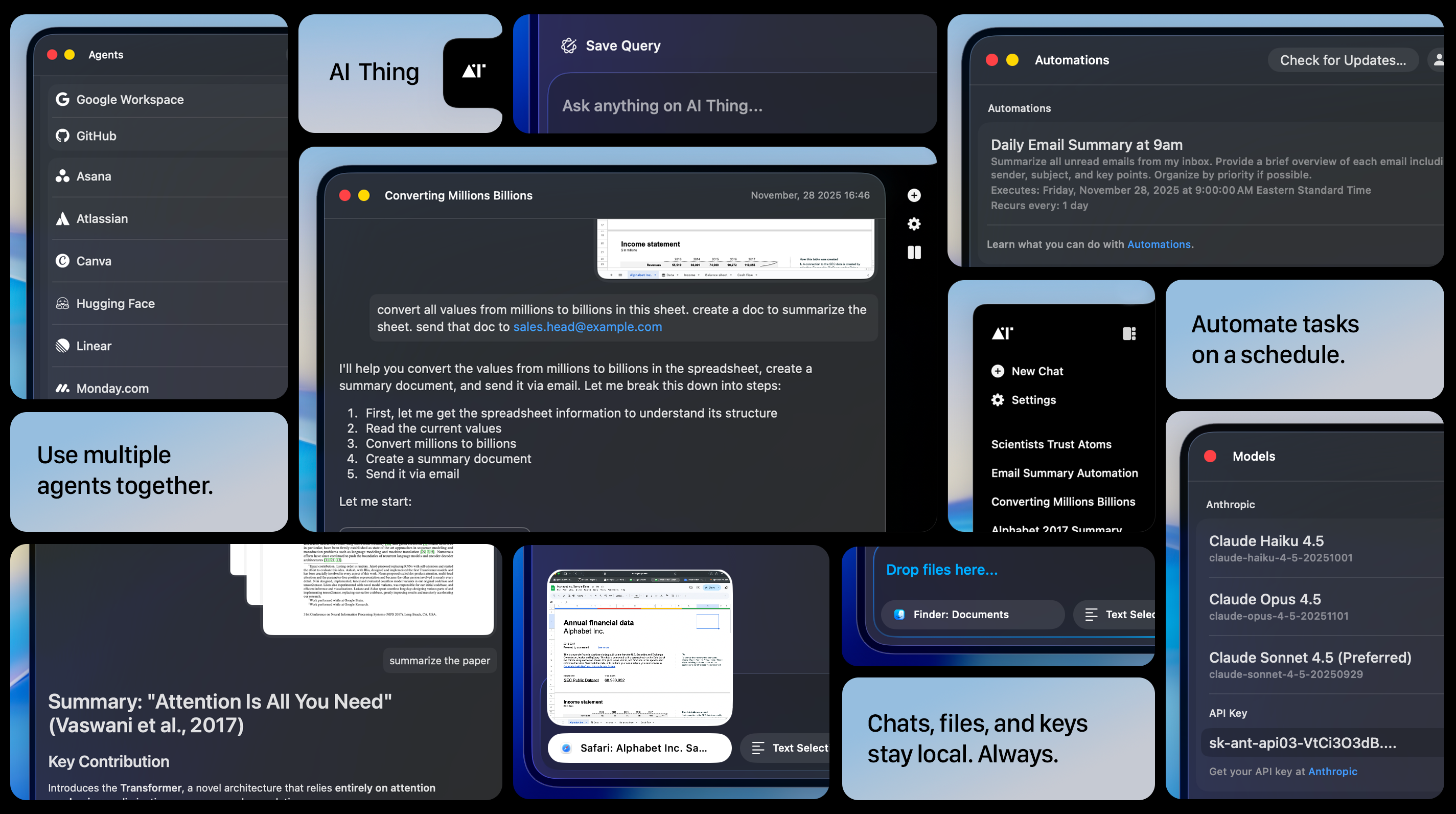
Once installed and configured:- Connect agents like Google, Notion and many more
- Create recurring automations
- And enjoy the full power of a free, private, local-first AI companion
Have questions? Email us at help@aithing.dev.