> ## Documentation Index
> Fetch the complete documentation index at: https://aithing.dev/llms.txt
> Use this file to discover all available pages before exploring further.
# 1.5: Daisy
> Released: August 26, 2025
## What's new in 1.5?
### [Managed Agents](../features/v1/multiple-agents#google-workspace-agent)
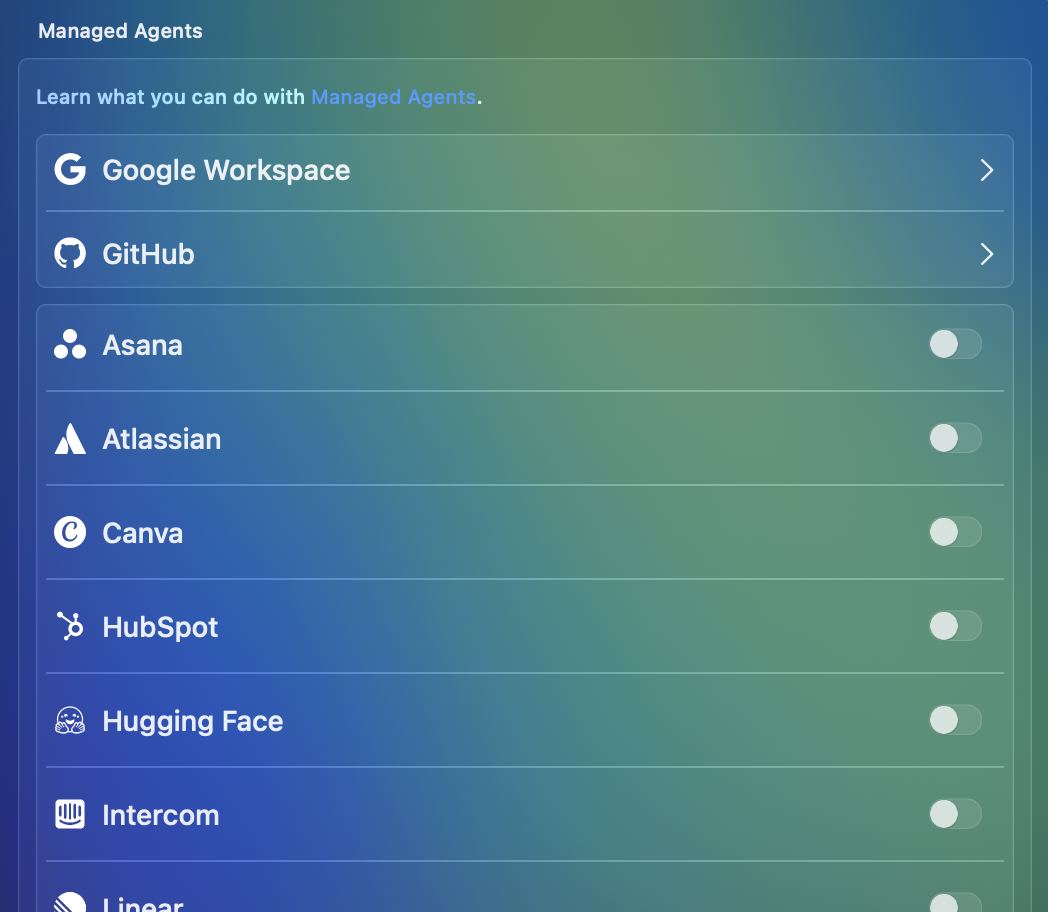
Integrate with AI agents in **one click** on your terms. Choose only the capabilities you need, and AI gets **just enough access to perform the task — nothing more.**
Stating with Google Agent to perform tasks in Calendar, Docs, Drive, Forms, Gmail, Sheets, Slides, and Tasks. [Learn More](../features/v1/multiple-agents#google-workspace-agent)
The agent is still under review by Google, so you might see a warning before using it.
### [Secure Files](../features/v1/secure-files)
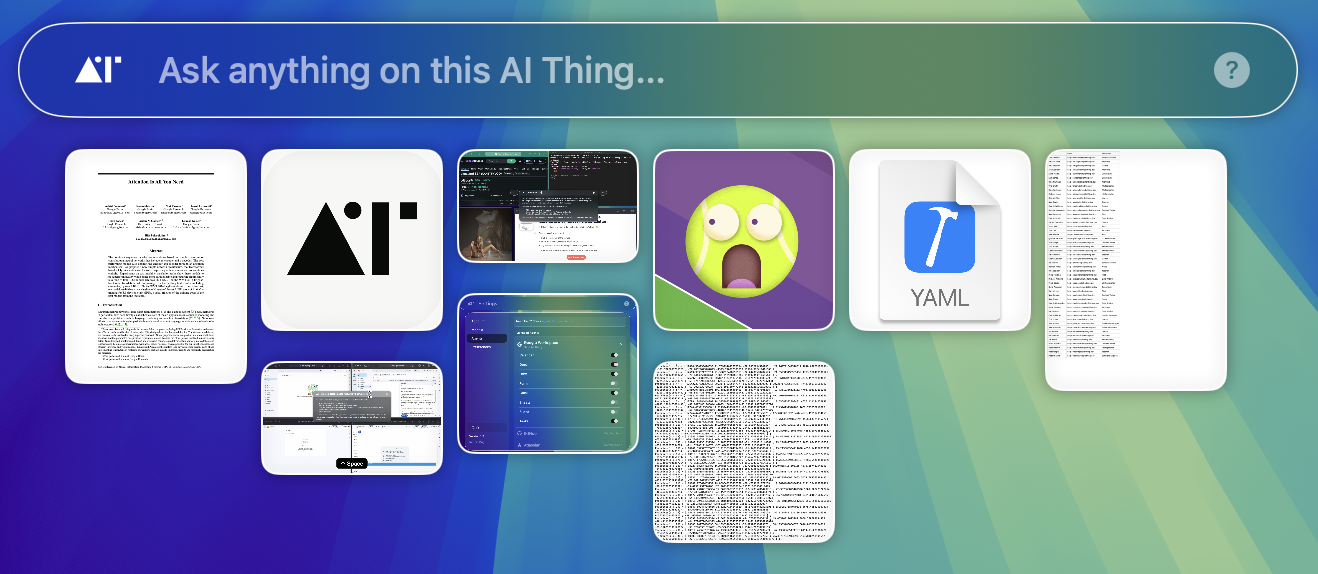
Work with multiple files and use them to ask questions or perform complex tasks with AI — **without uploading them to any server**.
Files are encoded into a string and used only in the current tab. Once the tab is closed, the encoded strings are no longer available.
This is a major feature for maintaining privacy.
### [Respond Anywhere](../features/v1/respond-anywhere)
Introduced in version 1.4 as a beta, Respond Anywhere is now production-ready.
* Use the `@selected` keyword to grab any highlighted text and run it through AI.
* Use the `@here` keyword to insert generated text directly into any application.
 Integrate with AI agents in **one click** on your terms. Choose only the capabilities you need, and AI gets **just enough access to perform the task — nothing more.**
Stating with Google Agent to perform tasks in Calendar, Docs, Drive, Forms, Gmail, Sheets, Slides, and Tasks. [Learn More](../features/v1/multiple-agents#google-workspace-agent)
Integrate with AI agents in **one click** on your terms. Choose only the capabilities you need, and AI gets **just enough access to perform the task — nothing more.**
Stating with Google Agent to perform tasks in Calendar, Docs, Drive, Forms, Gmail, Sheets, Slides, and Tasks. [Learn More](../features/v1/multiple-agents#google-workspace-agent)
 Work with multiple files and use them to ask questions or perform complex tasks with AI — **without uploading them to any server**.
Files are encoded into a string and used only in the current tab. Once the tab is closed, the encoded strings are no longer available.
This is a major feature for maintaining privacy.
### [Respond Anywhere](../features/v1/respond-anywhere)
Introduced in version 1.4 as a beta, Respond Anywhere is now production-ready.
* Use the `@selected` keyword to grab any highlighted text and run it through AI.
* Use the `@here` keyword to insert generated text directly into any application.
Work with multiple files and use them to ask questions or perform complex tasks with AI — **without uploading them to any server**.
Files are encoded into a string and used only in the current tab. Once the tab is closed, the encoded strings are no longer available.
This is a major feature for maintaining privacy.
### [Respond Anywhere](../features/v1/respond-anywhere)
Introduced in version 1.4 as a beta, Respond Anywhere is now production-ready.
* Use the `@selected` keyword to grab any highlighted text and run it through AI.
* Use the `@here` keyword to insert generated text directly into any application.