> ## Documentation Index
> Fetch the complete documentation index at: https://aithing.dev/llms.txt
> Use this file to discover all available pages before exploring further.
# 1.3: Tulip
> Released: August 10, 2025
## What's new in 1.3?
### Privacy Upgrade – Selective Context Capture
The previous version supported on-demand context capture.\
**Version 1.3 takes it further** with *granular* screen capture:
* Drag to select a specific portion of the screen to use as context
* Or click on any open application to capture just that application's content for context
How we offer a selective way to provide narrow context for more accurate results—while enhancing privacy.
### Google Login
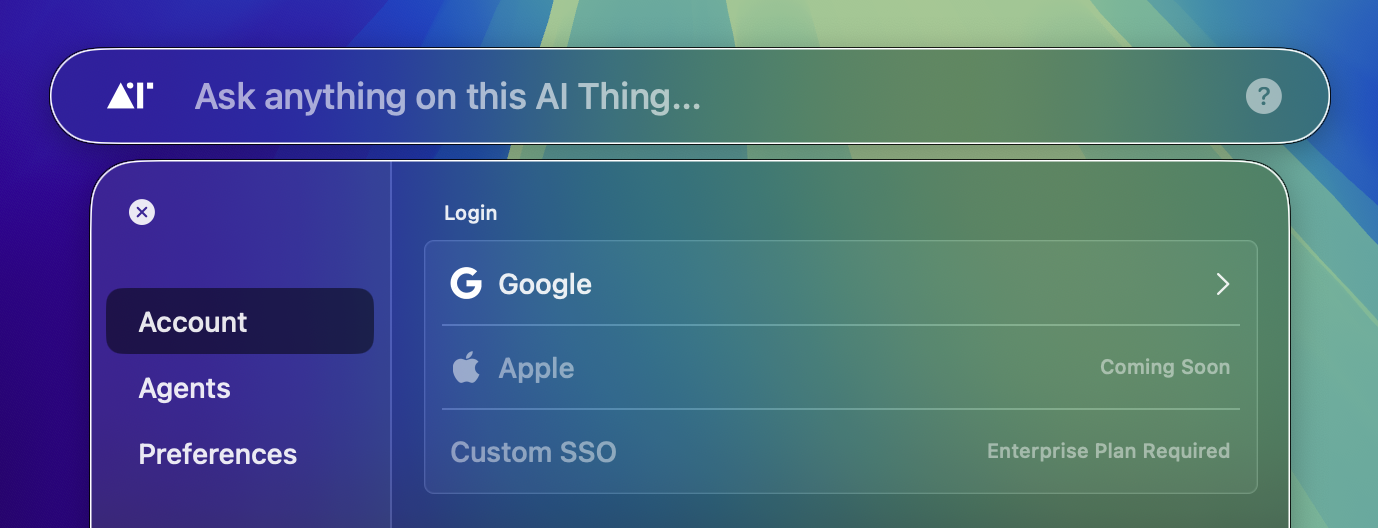
Google login is now supported—our first step toward personalized, one-click integrations for your workflows. Other login methods coming soon.
### Crisp Boundaries & Drag Button
Previous versions had uneven margins around [AI Thing](https://aithing.dev), which sometimes blocked clicks on applications behind it. That’s now fixed.
*If you never noticed this before—you won’t now, which is good.*
We’ve also added a **drag button** that appears when you hover over the top of [AI Thing](https://aithing.dev).
### Copy Button for Entire Output
While you still can’t select the entire output as text (only paragraph-by-paragraph), you can now **copy the full output** in one click. The new **copy button** replaces the old help `(?)` icon in conversations.
### "Show on Screenshot" Option
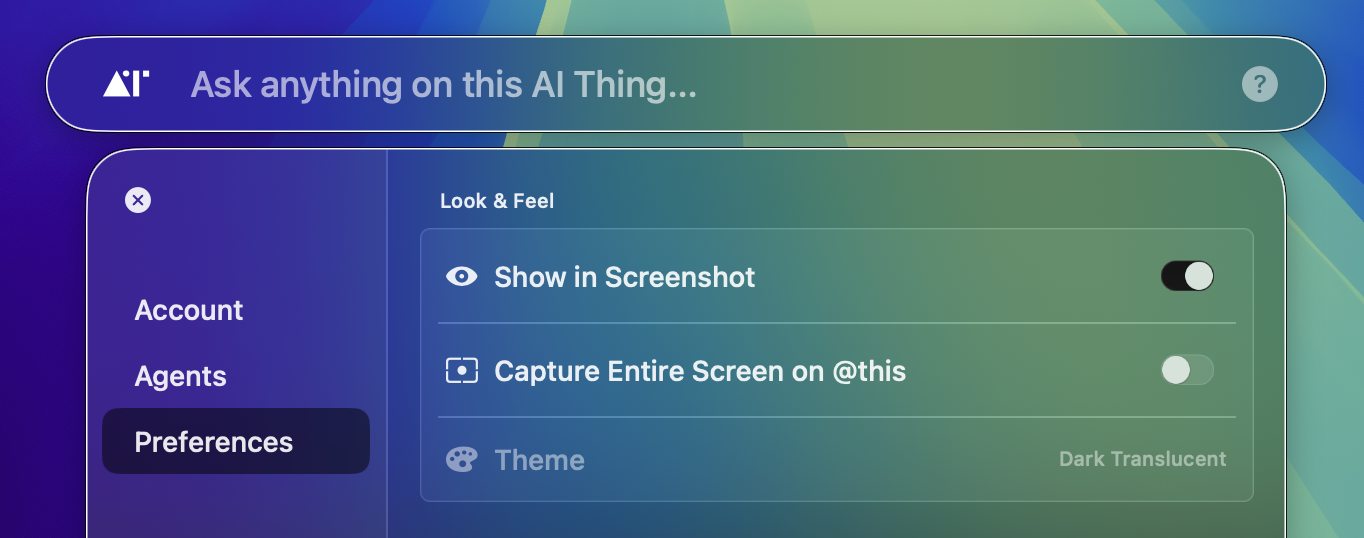
A new **Preferences** tab in Settings lets you toggle whether [AI Thing](https://aithing.dev) appears in screenshots—perfect for sharing how beautiful this tool is.
 ### Crisp Boundaries & Drag Button
Previous versions had uneven margins around [AI Thing](https://aithing.dev), which sometimes blocked clicks on applications behind it. That’s now fixed.
*If you never noticed this before—you won’t now, which is good.*
We’ve also added a **drag button** that appears when you hover over the top of [AI Thing](https://aithing.dev).
### Copy Button for Entire Output
While you still can’t select the entire output as text (only paragraph-by-paragraph), you can now **copy the full output** in one click. The new **copy button** replaces the old help `(?)` icon in conversations.
### "Show on Screenshot" Option
A new **Preferences** tab in Settings lets you toggle whether [AI Thing](https://aithing.dev) appears in screenshots—perfect for sharing how beautiful this tool is.
### Crisp Boundaries & Drag Button
Previous versions had uneven margins around [AI Thing](https://aithing.dev), which sometimes blocked clicks on applications behind it. That’s now fixed.
*If you never noticed this before—you won’t now, which is good.*
We’ve also added a **drag button** that appears when you hover over the top of [AI Thing](https://aithing.dev).
### Copy Button for Entire Output
While you still can’t select the entire output as text (only paragraph-by-paragraph), you can now **copy the full output** in one click. The new **copy button** replaces the old help `(?)` icon in conversations.
### "Show on Screenshot" Option
A new **Preferences** tab in Settings lets you toggle whether [AI Thing](https://aithing.dev) appears in screenshots—perfect for sharing how beautiful this tool is.