> ## Documentation Index
> Fetch the complete documentation index at: https://aithing.dev/llms.txt
> Use this file to discover all available pages before exploring further.
# Local History
> Conversations are stored locally for privacy and control
Local History is a step towards keeping your data **private and secure** while still enjoying full functionality.
## How it Works
* All conversations are stored **locally on your system**.
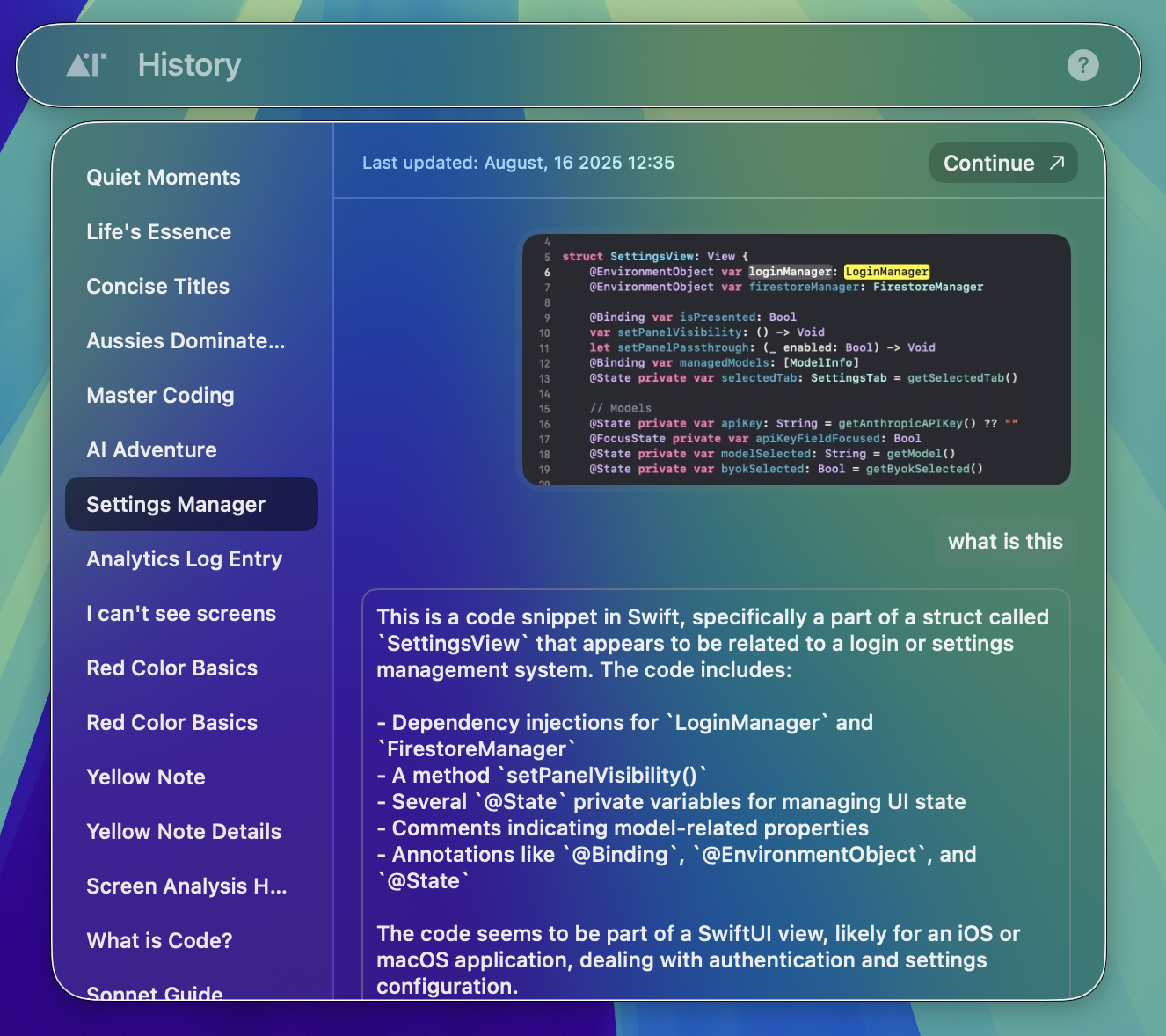
* You can view your history at any time.
* Use the keyboard shortcut **Control + H** to quickly open or close the history panel.
* You can choose to **continue a past conversation** or **delete it** permanently.
## Privacy First
* No conversation is stored on our servers.
* This ensures your data stays with you, giving you full control over your information.
***
With Local History, you get the best of both worlds: **privacy** and **powerful features**.
 ## Privacy First
* No conversation is stored on our servers.
* This ensures your data stays with you, giving you full control over your information.
***
With Local History, you get the best of both worlds: **privacy** and **powerful features**.
## Privacy First
* No conversation is stored on our servers.
* This ensures your data stays with you, giving you full control over your information.
***
With Local History, you get the best of both worlds: **privacy** and **powerful features**.